Blackmagic Design does publish an app called Blackmagic Camera Control, but it runs on iPad, not Android. It also serves a different purpose than most Android users expect from that name.
This page explains what the real Blackmagic Camera Control app does. Then it covers what Android users actually want: controlling several phones from one device, already built into the app.
What Blackmagic Camera Control Actually Does
Blackmagic Camera Control is a companion app for iPad, now also on Mac and Apple Vision. It connects over Bluetooth to a Blackmagic camera, such as the Pocket Cinema Camera, URSA Mini Pro, or URSA Broadcast.
From the iPad, an operator adjusts camera settings, lens controls, and metadata, and triggers recording from about thirty feet away. Camera assistants use it most, since it updates shot and scene information quickly during a shoot. None of this involves a phone running the Blackmagic Camera app.
Is There a Blackmagic Camera Control App for Android
No. Blackmagic Design has not released a Blackmagic camera controller app for Android. The Blackmagic Camera Control app, and its Bluetooth link to Blackmagic cameras, stays limited to iPad, Mac, and Apple Vision.
Even Blackmagic’s own official forum confirms the gap. A user asked directly about an Android option for camera control in early 2025. The reply pointed toward outside hardware, since no Blackmagic app fills that role on Android.
This gap only matters if you own a Blackmagic camera and want to operate it from an Android device. Most people searching this term want something else entirely, covered next.
How to Control Multiple Phones in the Blackmagic Camera App
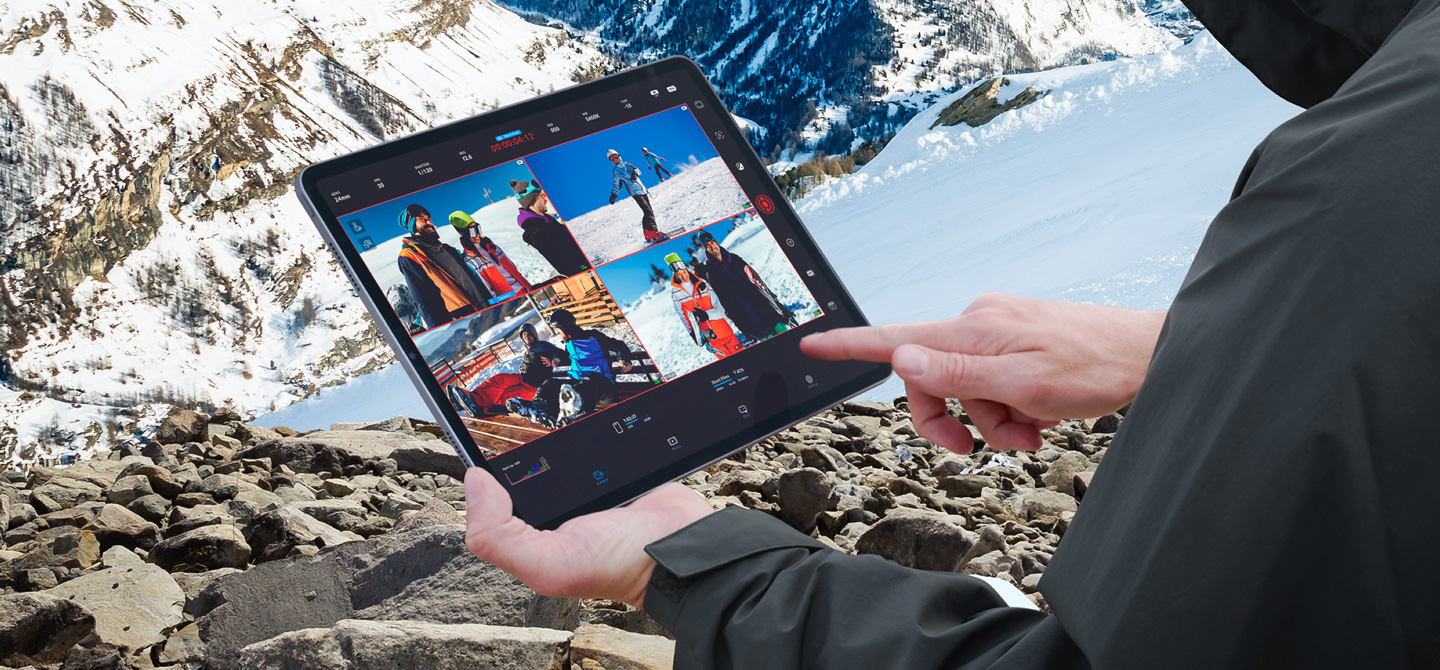
The Blackmagic Camera app for Android already includes its own remote control feature, no second app required. One phone becomes the controller, and it connects to up to nine other phones running the same app over Wi-Fi.
From that controller device, you monitor every connected phone’s live feed at once. Focus, zoom, frame rate, white balance, and shutter angle adjust on one phone, or on every phone together. Recording starts and stops on all of them with a single tap.
Every phone in that setup needs its own copy of the app, and it costs nothing to install. Install the APK for Android from blackmagiccameraapk.net on every phone you plan to connect.
Takes you to the download page.
Frequently Asked Questions
Does the Blackmagic camera control app work with my Android phone?
The official Blackmagic Camera Control app does not support Android. Controlling several phones on Android comes from a feature inside the main Blackmagic Camera app instead.
How many phones can one device control at once?
Up to nine other phones connect to a single controller device over Wi-Fi. All ten devices need the same app installed and active.
Do I need a physical Blackmagic camera for remote control on Android?
No. Remote control between Android phones only requires the free Blackmagic Camera app on every device involved.
What does the real Blackmagic Camera Control app connect to?
It connects over Bluetooth to Blackmagic cameras like the Pocket Cinema Camera or URSA Mini Pro. Control happens from an iPad, Mac, or Apple Vision device.